Neural Amp Modeler · Android
A neural guitar amp that lives on your phone.
NAMobile runs Neural Amp Modeler (.nam) captures locally and in real time, talking to your USB audio interface directly — 5.3 ms of true round-trip latency on a mid-range Android phone.
US$ 9.99 · one-time
Now in closed testing — join as a tester
- Tap a rig to load it
- Long-press a cell to edit
- Double-tap a knob to reset
- Tap TAP to set the tempo
Before you buy
You need a USB audio interface.
NAMobile is not a standalone effect. It processes the signal coming from a class-compliant USB-C audio interface — the phone's own mic and jack are never used.
- A USB-C Android phone (Android 10 or newer) with USB host / OTG support
- A class-compliant USB audio interface — high-speed (USB 2.0) for the lowest latency
- A guitar or other instrument / line source plugged into the interface
Interfaces that force hardware monitoring (the dry input is always mixed into the output) are not supported — the processed tone can't replace the dry sound on those.
Latency
Low enough to feel like an amp under your fingers — and measured, not estimated.
5.3 ms
Live default (A2 Lite)
True round trip, guitar in to amp out, with a high-speed interface.
6.7 ms
Full model (A2 Full)
The complete A2 network for recording-grade tone, at a little more latency and CPU.
~11 ms
Full-speed interfaces
USB 1.1 dongles (e.g. iRig USB) buffer more internally and move audio in coarser 1 ms packets. They work, but can't go lower.
Measured on a Blackview BV9300 with a Focusrite Scarlett 18i20, guitar in to amp out. Your numbers depend on the phone and on the interface's converters — about 1 ms of every figure is the interface itself.
Features
Everything a stage rig needs.
Real NAM models, locally
Runs Neural Amp Modeler (.nam) captures on the phone, in real time, at A2 Lite or A2 Full quality. Import your own from storage.
A USB engine of its own
A custom low-latency USB-audio driver bypasses the Android audio stack. Full- and high-speed interfaces, any input channel, any output pair.
Boards & Rigs
Organize tones on a grid and switch instantly — with delay and reverb tails spilling over between rigs.
Hands-free with BLE MIDI
Pair a Bluetooth MIDI foot controller and map footswitches to rigs, scenes, tap tempo, mute and tuner.
Effects that belong on stage
Noise gate, tone stack, chorus, tape and ping-pong delay, dual stereo reverb, pitch shift, a stereo doubler, a global 10-band EQ and a chromatic tuner.
Tone Explorer
Browse the TONE3000 community catalog, audition captures live with your guitar and download them to your boards (free account, optional).
In the app
Black background, big targets, nothing in the way.
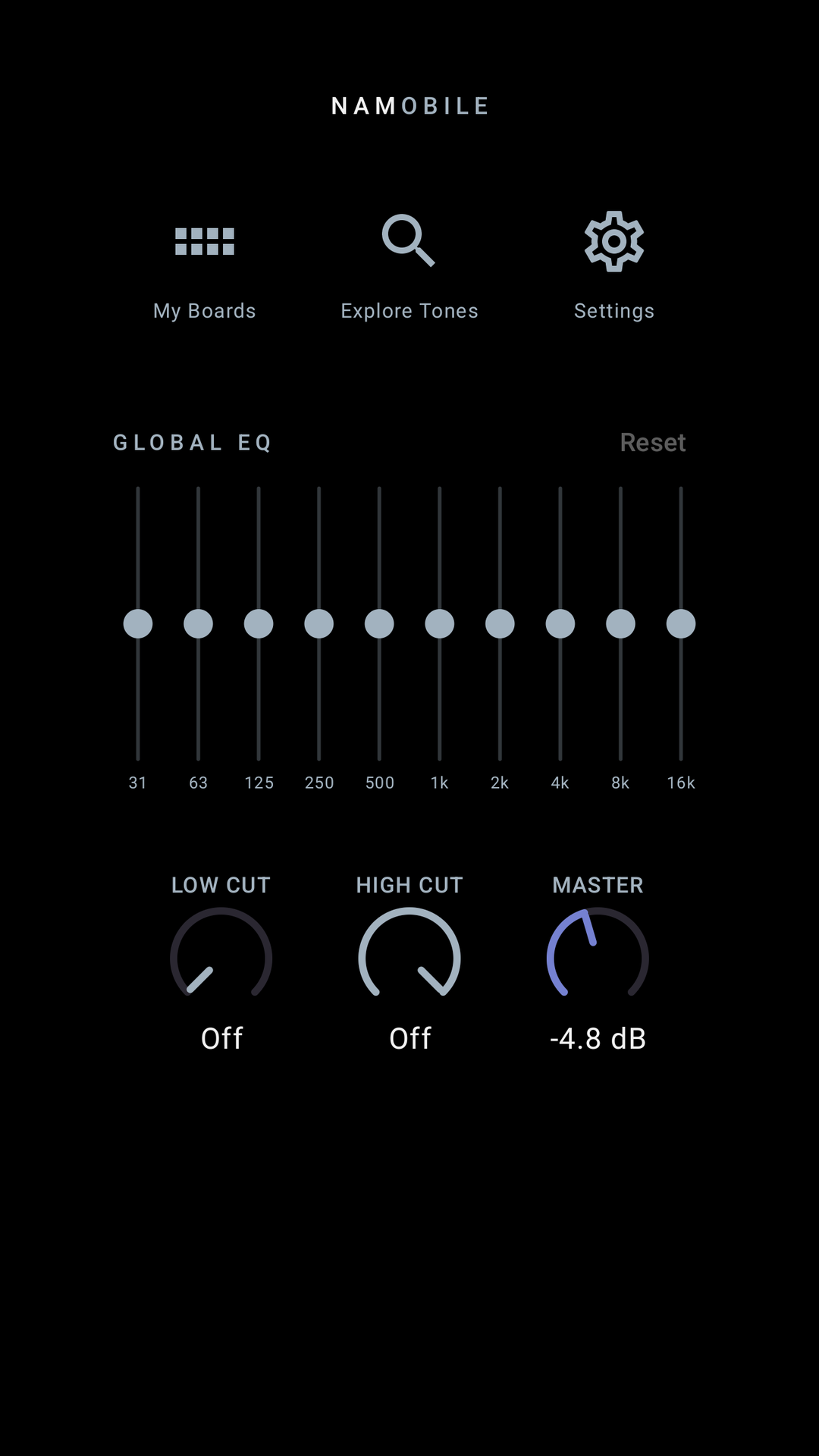
Home — global EQ, low/high cut, master 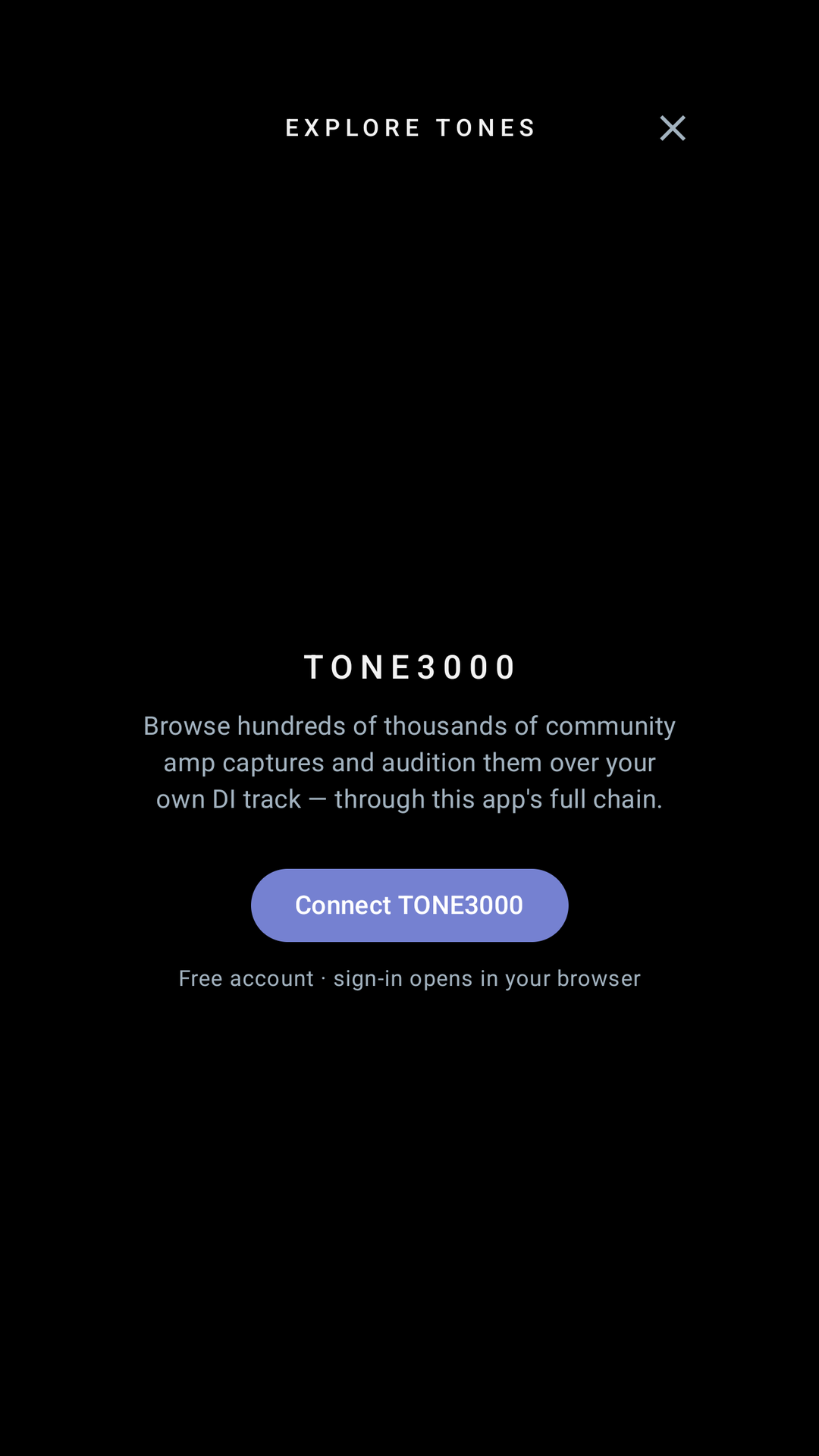
Explore Tones — the TONE3000 catalog 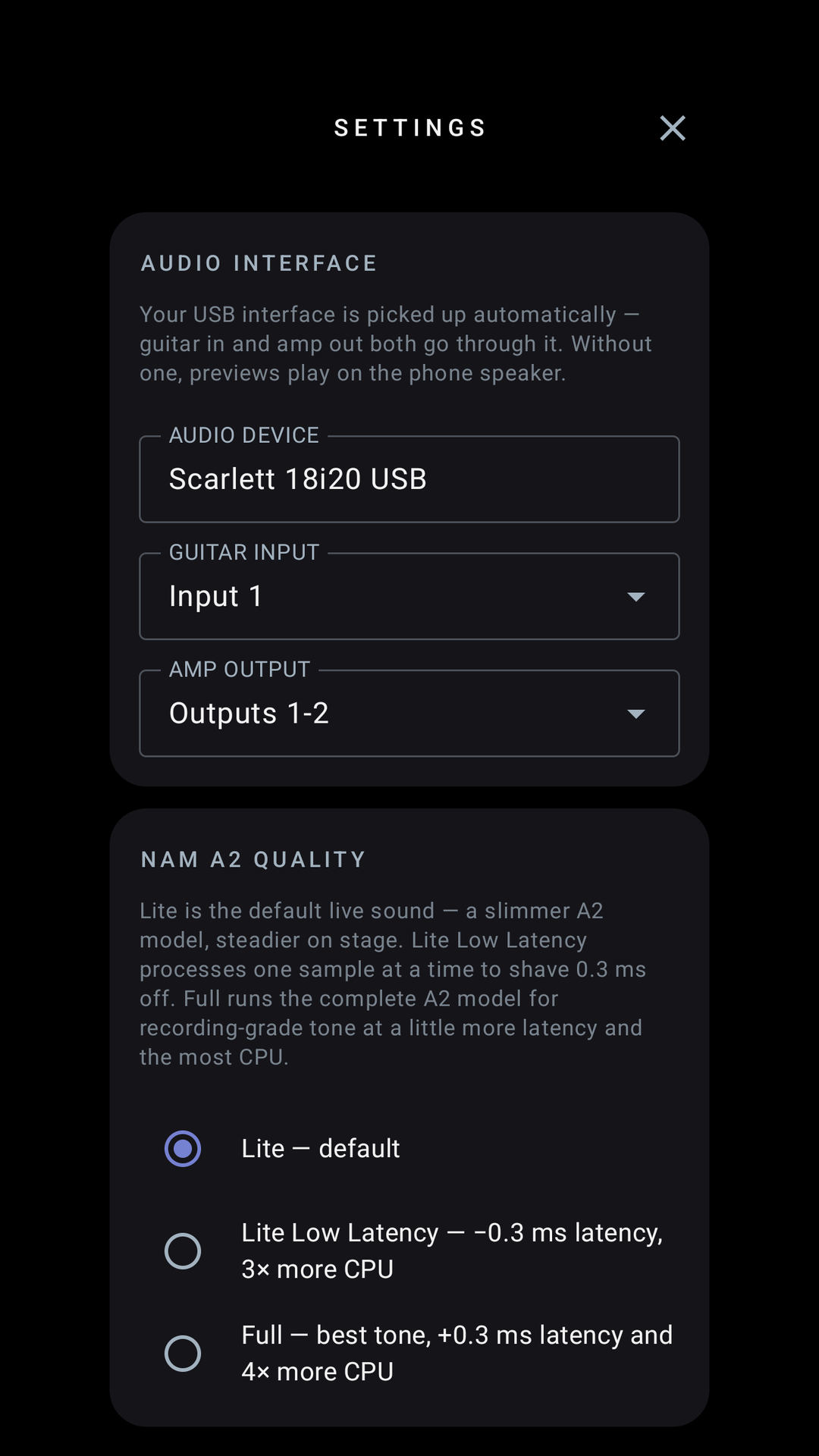
Settings — interface, channels, model quality
Interfaces
Which interface should I use?
| Interface | USB | Result | Class |
|---|---|---|---|
| PreSonus Studio 24c | High-speed, UAC2 | Recommended | 5.3 ms class |
| Focusrite Scarlett 18i20 | High-speed, UAC2 | Recommended — pick any input and output pair | 5.3 ms class |
| Audient EVO 4 | High-speed, UAC2 | Works — latency not yet measured | — |
| IK Multimedia iRig USB | Full-speed, UAC1 | Works — higher latency (full-speed USB) | ~11 ms class |
| Joyo Momix | Full-speed, UAC1 | Not supported — forced hardware monitoring, always dry | — |
Some interfaces put the instrument input on channel 2 (Audient iD4 MkII, Scarlett Solo 3rd gen). If you hear silence, pick Input 2 under Settings → Guitar input. | |||
- PreSonus Studio 24c5.3 ms class
Recommended
- Focusrite Scarlett 18i205.3 ms class
Recommended — pick any input and output pair
- Audient EVO 4—
Works — latency not yet measured
- IK Multimedia iRig USB~11 ms class
Works — higher latency (full-speed USB)
- Joyo Momix—
Not supported — forced hardware monitoring, always dry
Some interfaces put the instrument input on channel 2 (Audient iD4 MkII, Scarlett Solo 3rd gen). If you hear silence, pick Input 2 under Settings → Guitar input.